
In the age of WhatsApp and Instagram we are used to typing fast and using emojis. We write “u” instead of “you” and we send messages without thinking. But when you enter a corporate office this habit can destroy your reputation. In the professional world Email is the official language of business. Every email you send is a permanent record of your communication skills.
Writing a bad email can make you look lazy or rude or uneducated. Imagine sending an email to your boss with spelling mistakes and no subject line. It shows that you do not care about your work. On the other hand a well written email commands respect. It shows that you are organized and you value the other person’s time. Whether you are asking for leave or sending a project report your email must be crisp and clear.
Many freshers struggle with the hidden rules of email writing. They do not know when to use “Reply All” or how to sign off politely. In this guide we will decode the secret rules of digital communication so you never have to worry about hitting the Send button again.
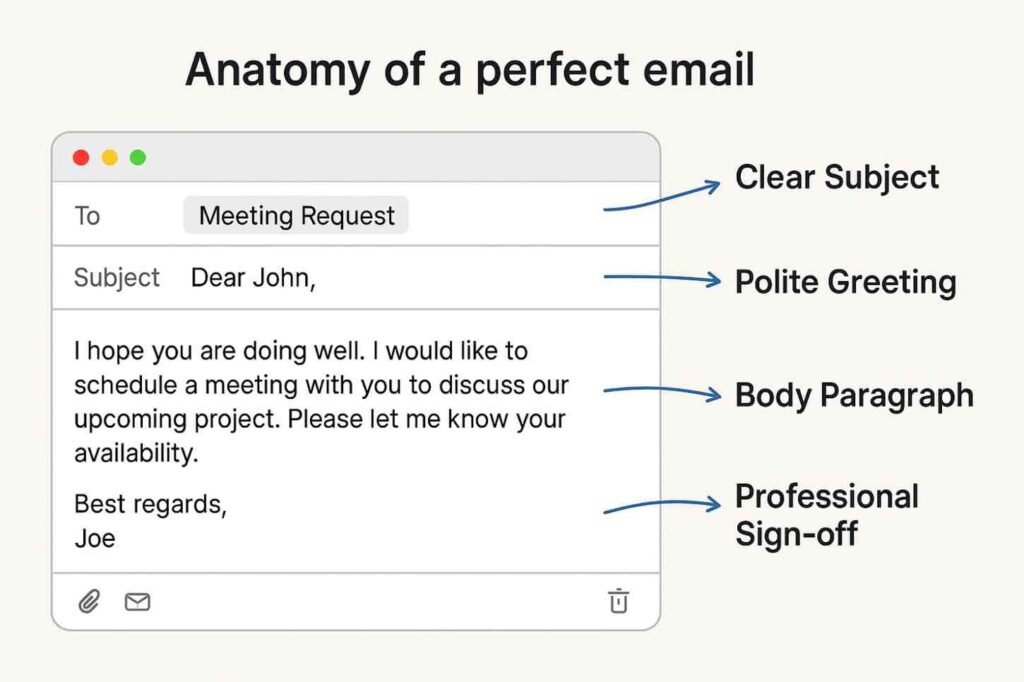
The Subject Line is the Trailer
Before anyone reads your email they read the Subject Line. If your subject line is blank or vague like “Hello” or “Important” the receiver might ignore it. The subject line should summarize the entire email in 4 to 6 words.
Bad: Question
Good: Question regarding Q3 Sales Report
Bad: Leave
Good: Sick Leave Application – Nasir Ashraf (12th Oct) A good subject line helps the receiver search for your email later. If they need to find your report next month they should be able to find it just by searching the subject.
Salutation and Tone
How you start matters. Avoid using casual greetings like “Hey” or “Hi there” for senior management.
Formal: Dear Mr. Sharma,
Semi-Formal: Hi Rahul, (If you know them well)
Safe Option: Dear Team, (When writing to a group) Your tone should be polite but direct. Do not write long stories. Corporate people are busy. State your purpose in the first sentence itself. Instead of saying “I was wondering if you could possibly help me with…” say “Could you please help me with…”
👉 Read: How to Talk to Seniors (Salary Negotiation)
The Danger of Reply All
This is the most dangerous button in your email box. When you receive an email with 20 people in the loop think before you click.
Reply: Sends answer only to the sender.
Reply All: Sends answer to everyone including the CEO and Managers. Use “Reply All” only if your answer is important for everyone to see. If you are just saying “Thank you” or “Okay” do not use Reply All. It fills up everyone’s inbox and annoys them. Also understand CC (Carbon Copy) and BCC (Blind Carbon Copy). Put people in CC who need to just know about the email but don’t need to take action. Put people in BCC if you want to hide their identity from others.
The CC vs BCC Rule
| Field | Full Form | Purpose | Who Sees It? |
| To | Primary Receiver | The person who must take action | Everyone |
| CC | Carbon Copy | People who need information only | Everyone |
| BCC | Blind Carbon Copy | Secret observer | Only Sender & BCC |
How to End an Email
Your closing is your digital signature. Do not just stop writing. You must sign off professionally.
Best: Best regards, / Sincerely,
Good: Thanks, / Regards,
Avoid: Cheers, / Yours lovingly, / Talk soon, Always include your Email Signature at the bottom. This should have your Full Name your Job Title and your Phone Number. It makes it easy for people to call you if the matter is urgent.
Common Email Mistakes
| Mistake | Correction |
| TY | Thank You (Never use short forms) |
| I want report | Could you please share the report? |
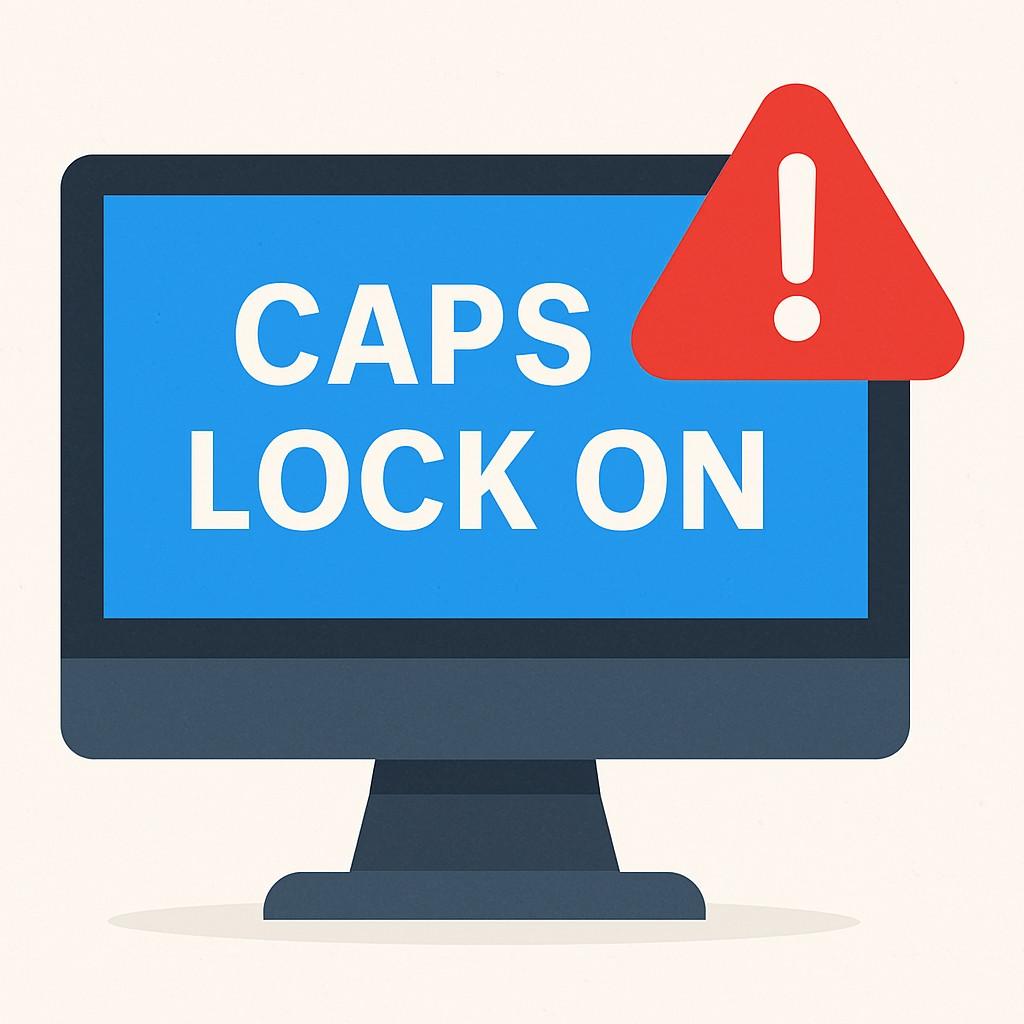
| SENT IN ALL CAPS | Sent in normal case (Caps means shouting) |
| No Subject | Clear Subject Line |
| Attaching huge files | Send Google Drive link for large files |
Proofread Before You Click Send
Once the email leaves your outbox you cannot bring it back. Always read your email once before sending. Check for spelling mistakes especially the person’s name. Spelling someone’s name wrong is the biggest insult in the corporate world. Check if you have actually attached the file you mentioned. Sending an email saying “Please find attached” and then forgetting the attachment makes you look careless. A good trick is to add the recipient’s email address last. This prevents you from accidentally sending an unfinished email while typing.
Email Checklist
| Item | Status |
| Subject | Is it clear and short? |
| Greeting | Is it professional? |
| Tone | Is it polite? |
| Attachment | Is the file attached? |
| Recipient | Is the email address correct? |
Conclusion
Email writing is a skill that gets better with practice. The goal is to be understood without confusion. If you can convey your message in three lines do not write ten. Respect the reader’s time be polite and keep it professional. Your emails build your image. Make sure it is a good one.
Write better with SatJobz.
Frequently Asked Questions
Q1. How soon should I reply to an email?
Ideally you should reply within 24 hours. If you need more time to work on the request send a short reply saying “I have received your mail and will get back to you by Friday”.
Q2. Can I use emojis in work emails?
It depends on your company culture. In general avoid emojis in formal emails especially with clients. It is better to use words to express tone.
Q3. What if I sent an email by mistake?
If you are using Gmail you have an “Undo Send” option for up to 30 seconds. Enable this in settings immediately. If it’s too late send a quick apology email.
(Disclaimer: Email norms can vary by country and company culture. When in doubt be formal.)

admin
Expert content creator dedicated to providing authentic educational and career updates.