
We all have the same 24 hours in a day. Yet some people like Elon Musk manage to run three giant companies while most of us struggle to finish even one project. The difference is not in intelligence or energy. The difference lies in how they schedule their day. Most people work with a “To-Do List”. They write down tasks and do them randomly whenever they find time. This is a trap because lists do not account for time. You might spend three hours on a simple email and have no time left for the important presentation.
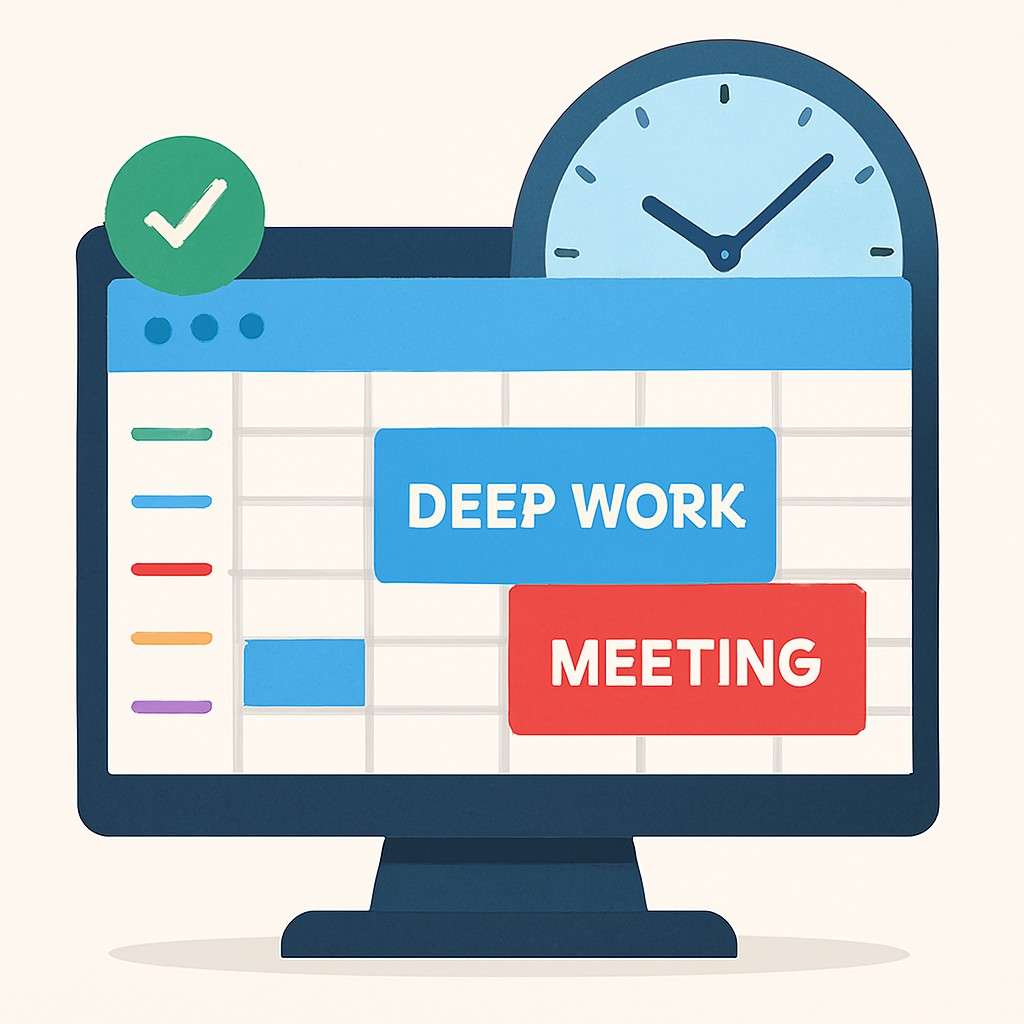
Successful people do not use To-Do Lists. They use Time Blocking. This is a method where you divide your day into small blocks of time. Each block is dedicated to one specific task and nothing else. During that block you do not check your phone and you do not talk to colleagues. You just focus on that one task. It turns your calendar into a game plan.
Imagine your day is an empty suitcase. If you throw clothes in randomly you can fit very little. But if you fold them and arrange them neatly you can fit twice as much. Time Blocking is the art of folding your tasks to fit more into your day without stress. In this guide we will teach you how to master this technique using simple tools.
The Problem with Multitasking
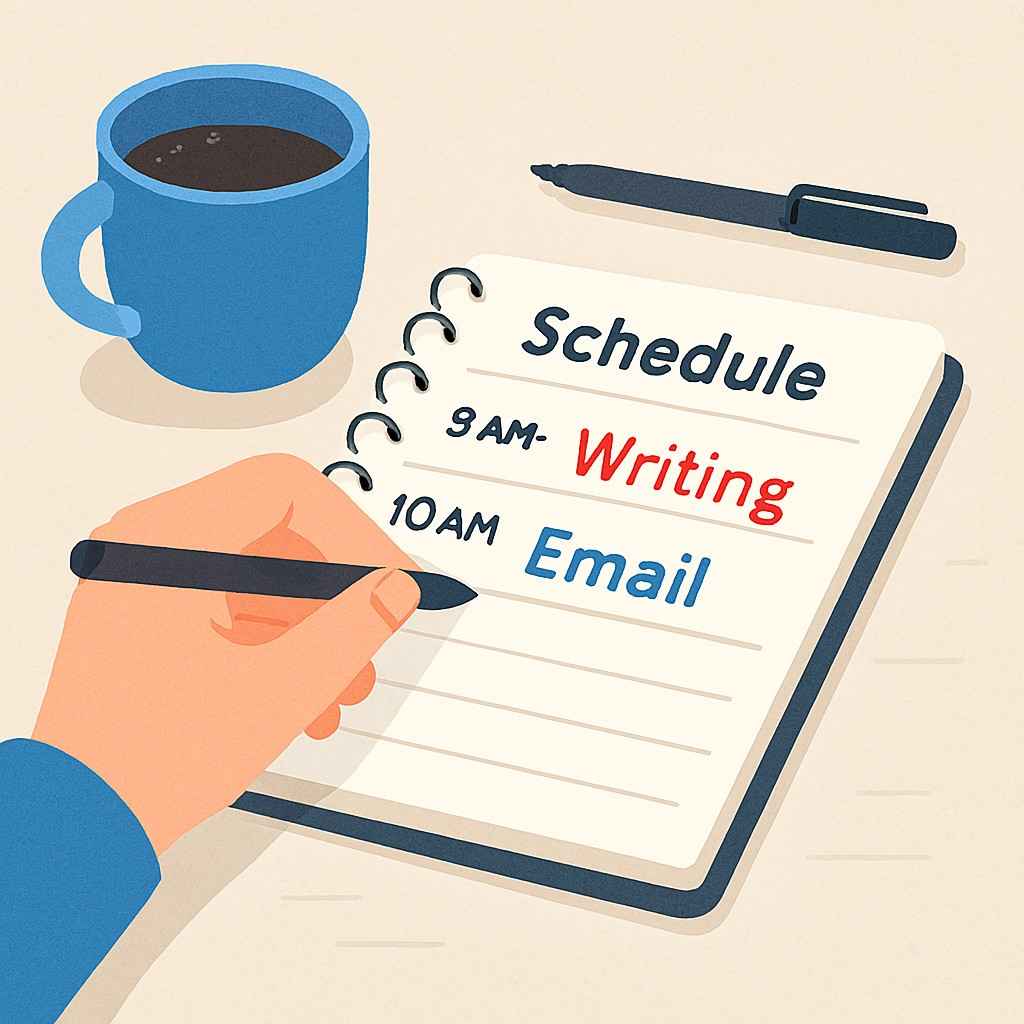
You might think you are being productive by replying to emails while attending a Zoom meeting. Science says you are wrong. The human brain cannot multitask. It can only “Task Switch”. Every time you switch from the meeting to the email your brain loses focus. It takes about 20 minutes to regain deep focus after a distraction. This is why you feel tired at the end of the day even if you didn’t do much. Your brain exhausted its energy in switching. Time Blocking forces you to Single Task. When you block 9 AM to 10 AM for “Report Writing” you give your brain permission to ignore everything else. This leads to a state called “Deep Work” where you work faster and better.
How to Create Your First Time Block
You do not need a fancy app. Google Calendar or a simple paper diary is enough. Step 1: Write down your top 3 tasks for tomorrow. Step 2: Estimate how long each task will take. Be realistic. If you think it takes 30 minutes give it 45 minutes. Step 3: Open your calendar and assign a specific time slot for each task. For example:
09:00 – 10:30: Write Project Proposal (Deep Work)
10:30 – 11:00: Check Emails (Shallow Work)
11:00 – 11:15: Tea Break Once the schedule is set treat these blocks like appointments with the President. You cannot be late and you cannot cancel.
👉 Read :Use AI to Plan Your Day (AI Productivity)
The Concept of Day Theming
Elon Musk and Jack Dorsey take Time Blocking to the next level called Day Theming. Instead of doing everything every day they dedicate entire days to specific themes.
Monday: Management & Meetings
Tuesday: Product Development
Wednesday: Marketing & Growth
Thursday: Hiring & HR
- Friday: Finance & ReviewAs an employee you can adapt this. Maybe keep Mondays for planning and Fridays for reporting. This helps your brain stay in one “Mode” for the whole day reducing mental fatigue.
To-Do List vs Time Blocking
| Feature | To-Do List | Time Blocking |
| Structure | Random list of tasks | Structured timeline |
| Time Awareness | Low (Tasks expand indefinitely) | High (Tasks have deadlines) |
| Procrastination | High (We pick easy tasks first) | Low (We follow the schedule) |
| Productivity | Average | Very High |
Handling Interruptions
The biggest enemy of Time Blocking is your boss or colleague walking up to your desk. “Hey can you do this quick thing?” If you say yes your block is destroyed. You need a strategy for this. It is called “Batching”. Create a “Buffer Block” in your calendar say from 4 PM to 5 PM. When someone asks for a favor say “I am in the middle of deep work right now. Can I handle this at 4 PM?” Most requests are not urgent. People respect your time if you respect it first. Also turn off notifications during your Deep Work blocks. Put your phone on Silent mode.
Sample Schedule for Office Worker
| Time Slot | Activity | Type |
| 09:00 – 09:30 | Plan the day + Quick Email check | Shallow |
| 09:30 – 11:30 | Main Project (Hardest Task) | Deep Work |
| 11:30 – 11:45 | Break (Walk/Tea) | Rest |
| 11:45 – 01:00 | Meetings & Calls | Shallow |
| 01:00 – 02:00 | Lunch | Rest |
| 02:00 – 04:00 | Secondary Project | Deep Work |
Common Mistakes to Avoid
| Mistake | Solution |
| Overscheduling | Leave empty gaps between blocks for delays. |
| Ignoring Energy | Do hard tasks when you are most energetic (Morning). |
| Being Too Rigid | If an emergency happens adjust the block don’t panic. |
| Forgetting Breaks | Schedule breaks or you will burn out. |
Conclusion
Time Blocking is not about becoming a robot. It is about creating freedom. By finishing your work efficiently in dedicated blocks you actually create more free time for your family and hobbies. When you control your calendar you control your life. Start with just 2 hours of blocking tomorrow and see the magic.
Master your time with SatJobz.
Frequently Asked Questions
Q1. What if I finish a task early?
Great! You can either use the extra time to relax or start the next task early. It is a reward for your efficiency.
Q2. Does this work for creative people?
Yes. Even artists need discipline. You can block time for “Free Thinking” or “Brainstorming”. Structure actually helps creativity flow.
Q3. Which app is best for this?
Google Calendar is the best free tool. For advanced users apps like Notion or TickTick are great options.
(Disclaimer: Productivity techniques work differently for everyone. Experiment and find what suits your style.)

admin
Expert content creator dedicated to providing authentic educational and career updates.